Request verification
Request verification adds an extra layer of security by cryptographically signing every request and socket message sent by identified players. This prevents replay attacks and ensures requests haven't been tampered with in transit.
How it works
When enabled, the Godot plugin automatically generates a signature for each request using your verification key. Talo validates the signature before processing the request.
Configuration
Before enabling verification in your game, you must:
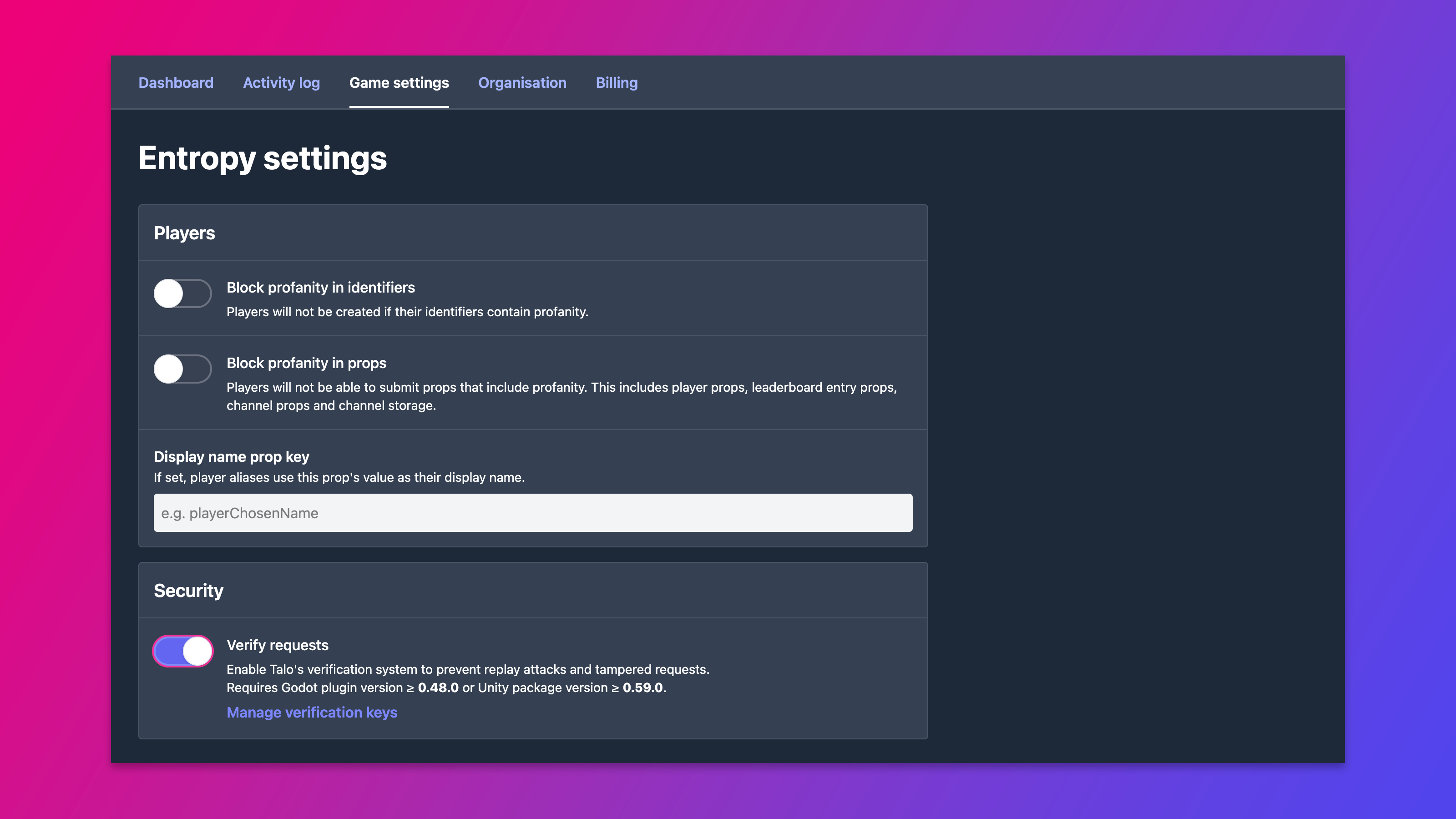
- Enable Verify requests on the Game Settings page.
- Create a verification key in the dashboard.
- Copy the key's version and value into your
addons/talo/settings.cfg.
Once configured, requests and socket messages are automatically signed for identified players.
Settings
Add the following under the [verification] section of your addons/talo/settings.cfg:
[verification]
enabled=true
key_version="1"
key_value="your-secret-key"
enabled
Enable this to start signing requests. You must also enable verification and add a verification key in the dashboard.
key_version
The version string of the verification key you created (e.g. "1").
key_value
The secret value of the verification key.
Error handling
If a signature is invalid or missing, the server responds with 401 Unauthorized for HTTP requests or an INVALID_SIGNATURE socket error for WebSocket messages.